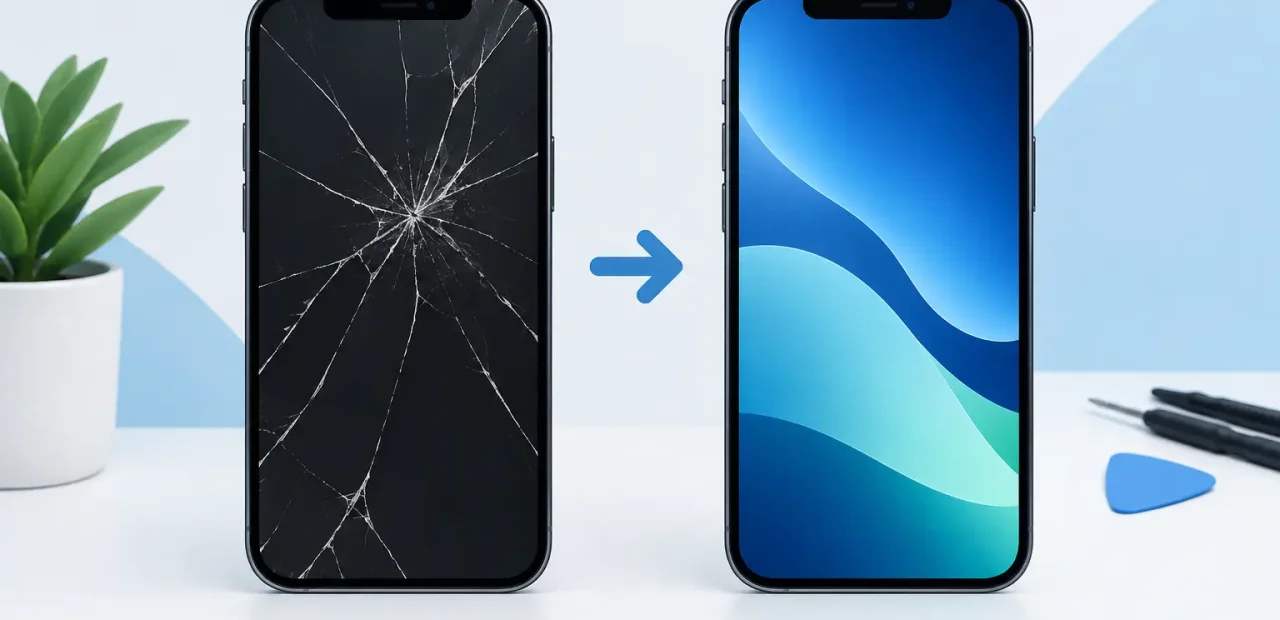
A cracked screen is obvious. Poor iPhone screen quality is not always obvious until you start using the phone again. Maybe the display looks too blue, brightness seems weak outside, typing feels delayed, or the screen drains the battery faster than before. A replacement screen should make your iPhone feel usable again, not create a new set of daily annoyances.
For most people, screen repair comes down to one question: will my phone look and work the way it should? The answer depends on more than whether the glass is no longer cracked. The display panel, touch layer, installation process, and part quality all matter.
What iPhone Screen Quality Really Means
A quality iPhone screen does several jobs at once. It displays sharp text, accurate colors, and clear photos. It responds quickly when you tap, type, swipe, and scroll. It also works properly with features such as auto-brightness, proximity sensing during calls, and Face ID components when applicable.
The glass on top is only one part of the assembly. Under it sits the display and touch system. If a repair uses a low-grade part or the installation is rushed, the phone may turn on and appear fixed while still delivering a noticeably worse experience.
That is why the cheapest screen option is not always the best value. A low upfront price can be frustrating if you are dealing with missed taps, dim brightness, or a display that looks off every time you open your phone.
Brightness and outdoor visibility
Brightness is one of the first differences people notice. A good replacement screen should remain easy to read in a bright parking lot, on the TCU campus, or while checking directions between errands. Lower-quality displays can look fine indoors but fade badly in direct sunlight.
Brightness also affects how much you need to push your settings up just to see the screen. Running at maximum brightness all day can put extra strain on battery life. No replacement screen can change the limits of an older battery, but a quality display should not make the problem worse.
Color and image clarity
Your iPhone display should make whites look neutral, skin tones look natural, and photos look detailed. Poor screens may have a blue, yellow, or overly washed-out appearance. Blacks may look gray, and text may not appear as crisp as it did before the damage.
Some variation can occur between screen types and iPhone models. What matters is whether the display looks balanced and comfortable during normal use. If colors seem distracting or the screen has uneven bright spots, that is not something you should simply accept after a repair.
Touch response matters every minute
Touch quality is easy to overlook until it fails. A replacement screen should keep up with normal typing, social media scrolling, gaming, maps, banking apps, and quick replies. You should not have to press harder, tap twice, or slow down to make the phone register what you are doing.
Dead spots, delayed swipes, and random touches are warning signs. They can come from a damaged display, a poor replacement part, or an installation issue. A properly repaired iPhone should feel natural in your hand right away.
Why Two Screen Repairs Can Feel So Different
Not every replacement screen is built to the same standard. There are different display technologies, different suppliers, and different levels of quality control. A repair shop should be honest about the type of part being used and help you choose an option that fits your phone and budget.
Older iPhones often use LCD displays, while many newer models use OLED displays. OLED screens are known for deeper blacks, strong contrast, and vivid color. Replacing an OLED screen with a lower-grade alternative may save money initially, but it can change the way your phone looks and performs.
That does not mean every repair needs the highest-priced option. If you have an older phone, use it mainly for calls and messages, or plan to upgrade soon, a dependable value-focused screen may make sense. If your iPhone is your main camera, school tool, work device, and entertainment screen, investing in better display quality is usually worth it.
Signs Your Current Screen Is More Than Just Cracked
A crack does not always mean the display needs immediate replacement, but several issues point to damage beneath the glass. If the screen flickers, has black blotches, shows colored lines, misses touches, or suddenly goes dim, the display assembly may be failing.
You may also notice that part of the screen no longer responds, especially around the keyboard or near the edge. That can make simple tasks feel impossible. A broken screen is not just cosmetic when it interferes with messages, school assignments, rideshare apps, work authentication, or family communication.
If you are seeing these symptoms, avoid pressing hard on the damaged area or trying to force the screen back into place. A quick diagnosis from an iPhone-focused repair technician can tell you whether the issue is limited to the screen or whether another component needs attention.
What to Expect From a Quality Screen Repair
A good repair experience should be straightforward. You should know what is wrong, what screen option is recommended, what it will cost, and how long the repair is expected to take before work begins. There should be no mystery pricing and no vague promises.
During the repair, the technician should carefully transfer and test the components that need to move from the old screen to the new one. After installation, the phone should be checked for display clarity, touch response, brightness, speaker and sensor function, and overall fit.
The screen should sit flush with the phone frame. Gaps, lifted edges, loose-feeling glass, or dust trapped under the display are not signs of careful work. A quality repair is about the details you see and the ones you do not.
At Fort Worth iPhone Repairs, many cracked screens can be repaired while you wait, often in as little as 15 minutes depending on the model and condition of the device. That speed should not mean guessing about quality. You deserve clear answers and a screen that feels right before you leave.
How to Protect Screen Quality After Repair
Once the screen is replaced, a good case and screen protector can help you avoid another interruption. The best choice depends on how you use your phone. Someone carrying an iPhone between classes, a job, the gym, and home may want more edge protection than someone who mostly works from a desk.
Keep the screen clean with a soft microfiber cloth rather than abrasive materials. If you notice a new flicker, touch issue, or display change after a drop, get it checked early. Small problems are easier to diagnose before they turn into a phone you cannot use.
It also helps to pay attention to your phone’s battery condition. A screen that looks dim may not always be a screen problem. Aging batteries, settings, and software behavior can affect brightness and performance. A knowledgeable technician should help separate a display issue from a battery issue instead of selling you a repair you do not need.
Choose the Repair That Feels Right Every Day
You look at your iPhone hundreds of times a day. That makes screen quality more than a technical detail. It affects how easily you read, work, communicate, navigate, and enjoy the phone you already paid for.
If your display is cracked, dim, glitchy, or frustrating to use, do not settle for a repair that only looks good from across the room. Ask about the replacement part, expected performance, price, and turnaround time. A clear answer today can save you from living with a screen that never feels quite right.
