
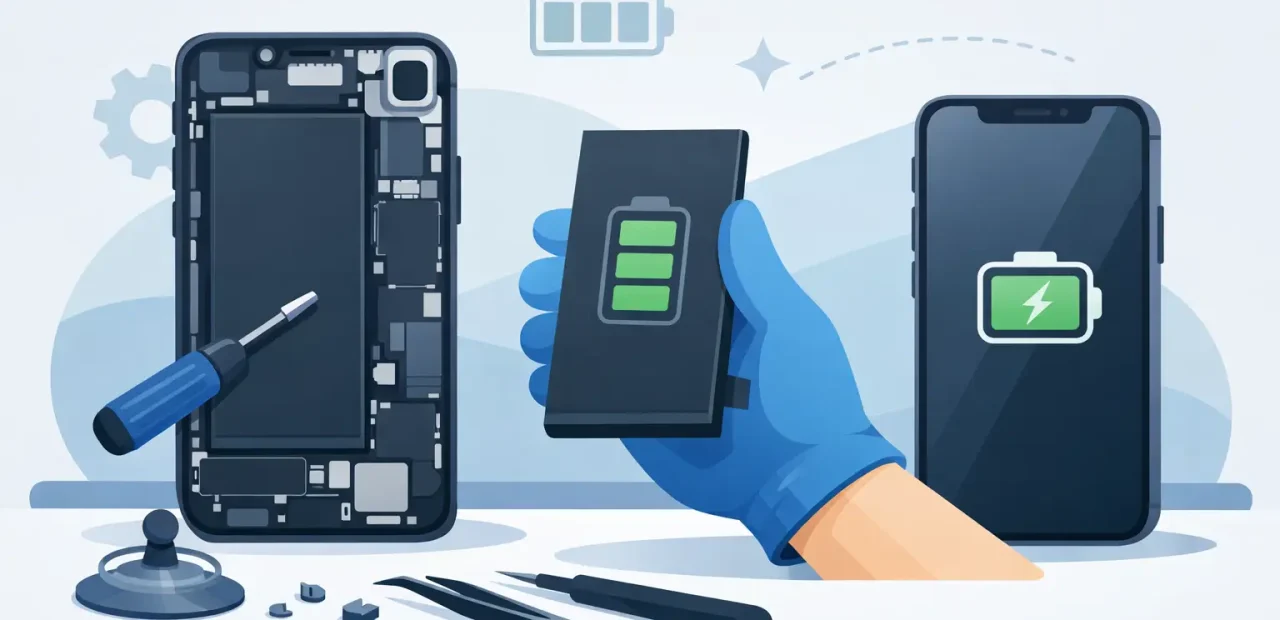
Your iPhone does not need to be old to feel unreliable. If it drops from 30% to 5%, shuts off during a call, or needs a charger by lunchtime, the battery may be the problem. This battery replacement guide for iPhone owners explains what those symptoms mean, when a replacement makes sense, and how to get your phone back to lasting through the day.
Start With the Signs Your Battery Is Failing
A worn battery usually makes itself known in small, frustrating ways before it fails completely. You may notice your battery percentage falling faster than normal, especially when you stream video, use maps, take photos, or spend time on social media. Cold weather can make the problem more obvious because an aging battery has a harder time delivering power consistently.
Unexpected shutdowns are another common warning. If your iPhone turns off while the battery meter still shows 10%, 20%, or more, it may not be able to supply the peak power your phone needs. That does not always mean the phone is beyond repair. In many cases, a new battery solves the issue.
Slower performance can be connected to battery health too. iPhones may manage performance when the battery can no longer reliably support demanding tasks. Your phone can feel laggy when opening apps, scrolling, typing, or switching between screens. A battery replacement may restore more dependable performance, but it will not fix every speed issue. Very limited storage, outdated software, and an older processor can still affect how your iPhone feels.
The clearest red flag is physical swelling. A swollen battery can push up the screen, create a gap along the frame, or make the phone look slightly bent. Stop charging and using the phone if you see these signs. Do not press the screen back into place or try to puncture the battery. Bring it in for professional service as soon as possible.
Check Battery Health Before You Decide
Most newer iPhones provide a quick starting point: open Settings, choose Battery, then Battery Health & Charging. Look at Maximum Capacity, which compares your current battery capacity with when it was new.
A capacity around 80% or lower is often a reasonable point to consider replacement, particularly if you are dealing with fast drain or shutdowns. Still, that number is not the whole story. An iPhone at 84% that dies before dinner may need attention sooner than one at 79% that comfortably lasts all day. Your real-world use matters more than one percentage.
Also look for a service message in the Battery Health section. If your iPhone says the battery’s health is significantly degraded, it is giving you a direct reason to have it checked. If Battery Health looks normal but the phone will not hold a charge, charges only at a certain angle, or repeatedly disconnects from power, the issue could be the charging port, cable, adapter, or software instead.
Battery Trouble or a Charging Problem?
It is easy to blame the battery when your iPhone will not charge. Before scheduling a battery replacement, test with a known-good cable and wall adapter. Check the charging port for packed lint, which is especially common if you carry your phone in a pocket or bag. A port full of debris can prevent the cable from clicking in securely.
If the phone charges normally but drains unusually fast, the battery is the more likely suspect. If it only charges when you hold the cable a certain way, the port may need service. If it gets hot while charging, stop using questionable cables or adapters and have the phone inspected. Heat can shorten battery life, but it can also point to a charging issue that should not be ignored.
Software can occasionally create sudden battery drain as well. A recent update, an app stuck running in the background, weak cellular signal, or constant location use can all increase power use. Restarting the phone, updating iOS, and checking which apps use the most battery can help rule out a temporary issue. If the problem continues for several days, a battery diagnostic is the practical next step.
What a Professional iPhone Battery Replacement Should Include
A proper replacement is more than swapping a part and sending you out the door. The phone should be inspected for signs that another issue is contributing to the battery complaint. A technician should also test basic operation after the repair, including charging and power behavior.
At Fort Worth iPhone Repairs, the focus is straightforward: clear diagnosis, high-quality replacement parts, and fast service for people who cannot put their phone on hold for days. Many battery replacements can be completed the same day, often while you wait, depending on the iPhone model and the phone’s condition.
Ask about the quality of the replacement battery, the expected turnaround time, and the repair guarantee before work begins. A reputable shop will explain the price clearly and let you know if it finds a separate issue, such as charging port damage or liquid exposure. You should not be surprised by the repair process after you have already handed over your phone.
Should You Replace the Battery or Replace the iPhone?
For many people, replacing the battery is the more affordable move. If your iPhone has a good screen, working cameras, reliable buttons, and enough storage for your needs, a battery replacement can extend its useful life without the cost of buying a new device.
It depends on the rest of the phone. If the screen is badly damaged, the phone has recurring signal problems, the charging port is failing, and the battery is weak, it may be worth comparing the total repair cost with an upgrade. The same is true if your iPhone no longer supports the apps or software features you need for school or work.
Do not replace a phone simply because it needs charging more often. Battery wear is normal. A new battery can be a sensible repair that keeps a familiar, fully functional iPhone in service.
Is DIY Battery Replacement Worth the Risk?
Do-it-yourself battery kits can look inexpensive, but iPhone battery replacement is not a simple back-cover repair. The screen, connectors, adhesives, and battery itself need careful handling. Using the wrong tool, applying too much pressure, or damaging a cable can turn a battery job into a screen or internal repair.
There is also the safety issue. Lithium-ion batteries can be hazardous when bent, punctured, overheated, or improperly removed. A swollen battery raises that risk further. If your phone is already opening along the edge or feels unusually hot, skip the DIY attempt.
DIY can make sense for someone with the right tools, experience, and willingness to accept the risk. For most busy iPhone owners, professional repair is the better value when you factor in time, part quality, troubleshooting, and the chance of accidental damage.
Prepare Your iPhone Before Battery Service
Back up your iPhone before any repair. Use iCloud or a computer so your photos, messages, contacts, and files are protected. Battery replacement normally does not erase data, but a backup is still the smart move.
Turn off Find My iPhone if the repair provider asks you to do so. You may also want to know your Apple Account password and device passcode in case testing requires access. Remove your case and bring the phone with enough charge to power on if possible. If it is completely dead, that is okay – just explain what happened before it stopped turning on.
Avoid putting off a battery problem until your phone becomes unusable. If your iPhone is draining fast, shutting down unexpectedly, or showing signs of swelling, getting it checked now can save you from being stuck without maps, payments, class updates, work messages, or a working phone when you need it most.