
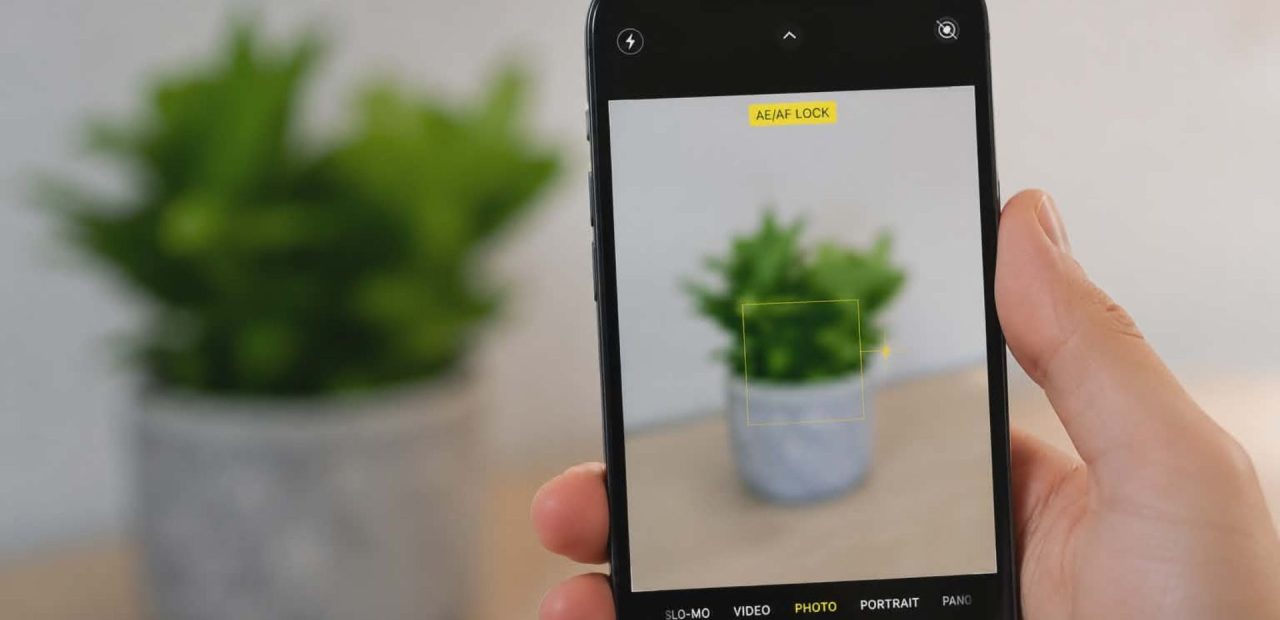
Your iPhone camera was sharp yesterday, and now it won’t focus on anything. Before you panic or rush to buy a new phone, take a breath. Most focusing issues are easier to resolve than you think, and many can be fixed in minutes without any tools.
Why Is Your iPhone Camera Not Focusing?
The autofocus system on your iPhone relies on both software and hardware working together.
When something breaks down on either side, the camera struggles to lock onto a subject.
Understanding the cause helps you apply the right fix instead of guessing.
Common reasons your camera won’t focus include:
- A dirty or smudged camera lens is blocking the sensor
- A software bug or iOS glitch affecting the camera app
- Physical damage to the rear camera module
- Magnetic interference from cases or accessories
- An outdated iOS version is causing app instability
Quick Fixes You Can Try Right Now
Clean the Camera Lens
This sounds simple, but it works more often than people expect. Dirt, dust, and fingerprint smudge buildup on the rear camera lens can trick the sensor into thinking it cannot get a clear image. Use a clean microfiber cloth to gently wipe the lens – never use paper towels or clothing.
If you see dirt or debris inside the lens, that is a different problem requiring professional attention.
Restart the iPhone
A quick restart clears temporary software glitches that can cause the camera to freeze or lose its ability to focus. Hold the side button and a volume button together, slide to power off, wait ten seconds, and turn it back on. Test the camera after the restart to see if autofocus is working again.
Close and Reopen the Camera App
Sometimes the camera app itself gets stuck. Swipe it away from your recent apps, wait a few seconds, and reopen it. If you have been using a third-party camera app, try switching to Apple’s built-in camera app to rule out an app-specific bug.
Tap to Focus Manually
Open the camera app and tap directly on your subject. This tells the iPhone exactly where to focus rather than relying on automatic detection. If the camera is able to focus when you tap but not automatically, your autofocus setting may need a reset.
Reset All Settings
Go to Settings, then General, then Transfer or Reset iPhone, and choose Reset All Settings.
This returns software settings to factory settings without erasing your photos. It can resolve stubborn focusing issues caused by corrupted configuration data or problems introduced during iOS updates.
Update to the Latest iOS Version
Apple regularly patches camera-related glitches in iOS updates. Go to Settings, then General, then Software Update, and install any available update. Running an outdated iOS version can cause the selfie and rear camera to behave unpredictably, especially on models like the iPhone 12 Mini or iPhone X.
When the Problem Is Hardware
If none of the above steps work, you are likely dealing with a hardware issue – a faulty camera module, a damaged rear camera lens, or internal component failure. At that point, troubleshooting on your own will not resolve it. You will need a hands-on inspection to check the camera module and connected components.
If your iPhone is still covered under AppleCare+ or warranty, contact Apple support or visit an Apple Store or authorized service center. If your warranty has expired, that does not mean you are out of options. For fast, affordable professional iPhone camera repair, the team at Fort Worth iPhone Repairs can diagnose the issue the same day – no appointment needed.
Taking blurry photos when you need sharp ones is frustrating and is a common sign that your iPhone may need repair. You can also check out our frequently asked iPhone repair questions for more answers before you visit.
Conclusion
A camera that won’t focus doesn’t always mean the phone is broken. Start with the simple fixes – clean the lens, restart your device, update iOS, and reset your settings. If the problem is hardware-related, do not wait and risk making it worse. Fort Worth iPhone Repairs has been helping local residents with camera and lens repairs since 2010. Walk-ins are welcome, and most repairs are done the same day. Ready to get your camera working again? Contact our Fort Worth iPhone repair team today.