
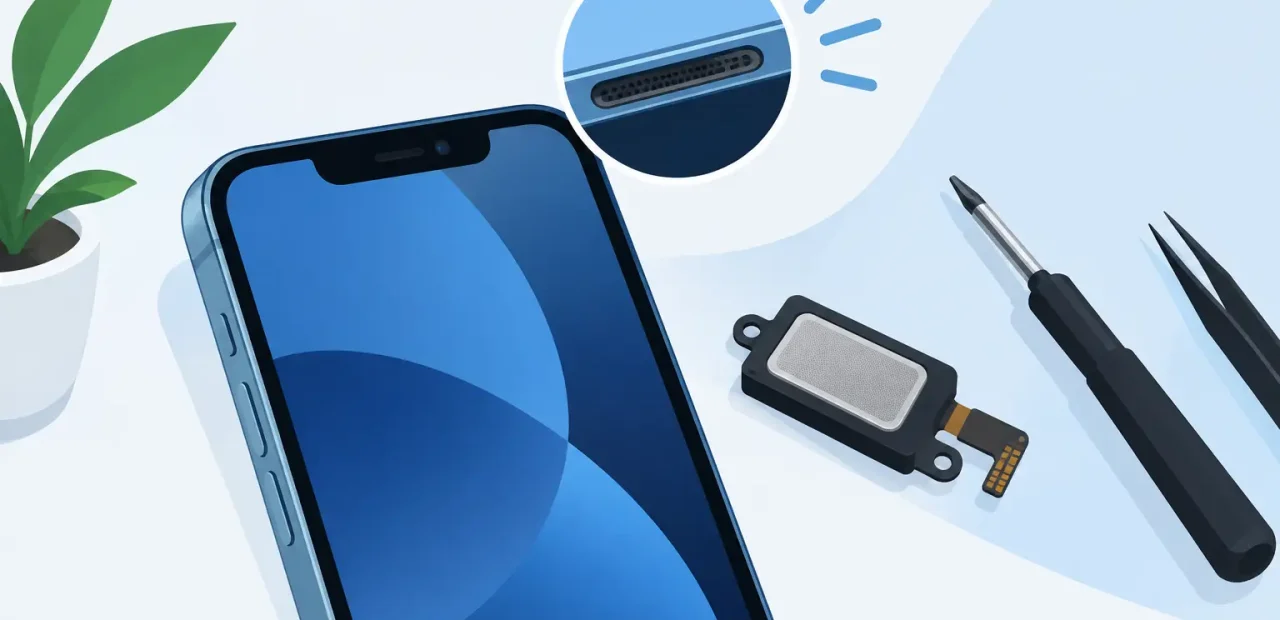
Your alarm barely makes a sound. Calls are hard to hear. Music turns scratchy the second you raise the volume. If you are asking, “are iPhone speakers repairable,” the answer is usually yes. The right fix depends on whether the problem is buildup around the speaker, a software setting, or a worn internal speaker component.
A quiet or distorted iPhone does not automatically mean you need a replacement phone. Many speaker issues can be diagnosed and repaired quickly, often for far less than the cost of upgrading. The key is figuring out which speaker is acting up and avoiding quick fixes that can make the problem worse.
Are iPhone speakers repairable when sound is weak?
Yes. Both the bottom loudspeaker and the top earpiece speaker can be repaired or replaced on many iPhone models. The bottom speaker handles music, videos, alarms, ringtones, and speakerphone calls. The smaller top speaker is what you hear during a regular phone call when the phone is held to your ear.
These parts are separate, so one can fail while the other still works normally. For example, you may be able to hear a caller clearly but find that your ringtone is too quiet. That points toward the bottom loudspeaker. If videos sound fine but phone calls are faint unless you use speakerphone, the earpiece may be the issue.
In some cases, sound is blocked by pocket lint, dust, makeup, or other debris caught in the speaker grille or protective mesh. A careful cleaning may restore clear audio. In other cases, the speaker itself has worn out or been damaged and needs replacement. A technician can tell the difference without guesswork.
Start with the simple checks
Before assuming the speaker needs repair, take two minutes to rule out the easy stuff. Make sure the volume is turned up while audio is actively playing, since the side buttons control different volume settings depending on what the phone is doing.
Also check whether your iPhone is sending sound somewhere else. Bluetooth headphones, earbuds, a vehicle connection, or another paired device can take over the audio output without being obvious. Turn Bluetooth off briefly and play a song or video again.
Remove the case if it covers part of the bottom speaker area, then test the sound. Check the Settings app for any accessibility audio options that may affect left-right balance or limit output. Restarting the iPhone can also clear a temporary software hiccup.
If none of these steps changes the sound, the issue is more likely physical. Do not push pins, toothpicks, paper clips, or sharp tools into the speaker holes. The grille and mesh are delicate, and forcing debris deeper can turn a simple cleaning into a more involved repair.
Signs you may need an iPhone speaker repair
Speaker trouble is not always complete silence. More often, the warning signs build gradually. Audio may sound muffled at normal volume, crackle on bass-heavy music, cut in and out during calls, or become noticeably quieter than it used to be.
A repair is worth considering when the problem happens in several apps and situations. If calls, alarms, videos, music, and ringtones all sound weak through the same speaker, that is a strong sign the issue is with the hardware rather than a single app.
You may also notice that people say you sound fine, but you cannot hear them unless the phone is on speakerphone. That points to an earpiece issue, not a microphone issue. On the other hand, if they cannot hear you, the concern may involve a microphone, receiver assembly, or another audio component. A proper diagnosis matters because these parts do different jobs.
What a speaker repair usually involves
A professional repair starts with testing. The technician checks both speakers, volume behavior, call audio, Bluetooth routing, and basic software settings. This prevents replacing a part that was never the source of the problem.
If debris is blocking sound, a controlled cleaning may be all that is needed. If the speaker has failed, the technician opens the phone, removes the affected component, installs a compatible replacement part, and tests audio again before the repair is complete.
The exact process varies by iPhone model. Newer models have tightly packed internal components, so speaker work should be handled carefully. The goal is not just to make noise come back. It is to restore clear, consistent sound for calls, alerts, videos, and everyday use.
For customers who rely on their phone for class, work, rides, family calls, and payment alerts, speed matters. Fort Worth iPhone Repairs can inspect common audio issues and explain the repair before work begins, so you know whether cleaning, replacement, or another solution makes the most sense.
When it may not be the speaker
Not every audio issue means the speaker is bad. A phone that has no sound in one specific app may have an app setting problem. A phone that only loses sound during calls could have call-routing settings, a Bluetooth connection, or an earpiece concern. If audio works with headphones but not through the phone itself, that narrows the diagnosis but still does not identify the exact part on its own.
Charging port debris can also affect audio on certain older iPhone models if the phone seems stuck in headphone mode. A damaged screen or front sensor assembly can sometimes be connected to call-audio problems, particularly when the top earpiece is involved. This is why a quick inspection is more useful than ordering a random replacement part online.
There is also a practical cost question. If the iPhone is otherwise in good shape, speaker repair is usually a sensible way to extend its life. If it has several major problems at once, a technician can help you weigh the repair cost against replacement. Honest advice should not push you toward work your phone does not need.
Can you repair an iPhone speaker yourself?
You can safely handle a few basic checks at home, such as removing a case, checking Bluetooth, restarting the phone, and gently brushing loose debris from the outside with a clean, soft brush. Beyond that, DIY speaker repair has real risks.
Opening an iPhone requires the right tools, replacement parts, adhesives, and experience working around sensitive internal connections. A low-quality part may sound weak from day one. Incorrect installation can create new problems that cost more to correct later. It can also be difficult to tell whether you are replacing the loudspeaker, earpiece, microphone-related assembly, or another part tied to the symptom.
For most people, a fast diagnostic and repair is the better trade-off. You get a clear answer, high-quality parts when replacement is needed, and testing before you leave instead of hoping an online repair kit solves the issue.
Do not wait until you miss something important
A quiet speaker can feel like a minor annoyance until you sleep through an alarm, miss a call from work, or cannot hear directions when you need them. If your iPhone audio has changed, get it checked while the problem is still straightforward.
A good repair should leave you with clear sound and confidence that your phone is ready for the next call, class, shift, or busy day.