
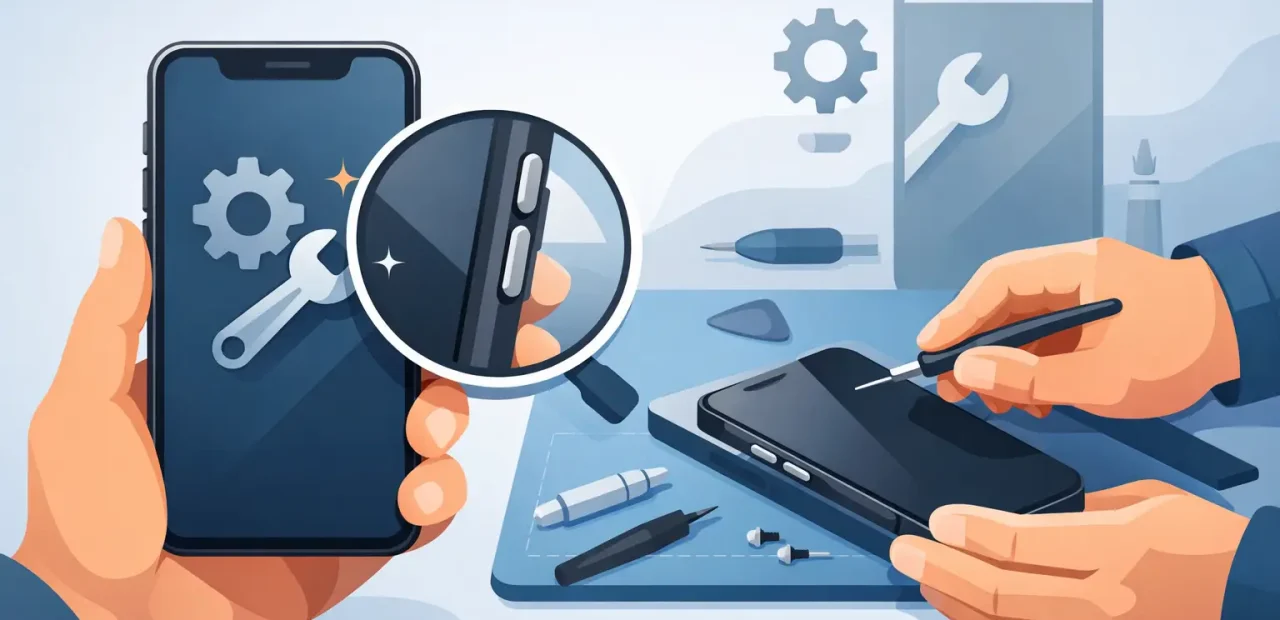
A button that will not respond can make a perfectly good iPhone feel impossible to use. Maybe the volume is stuck at one level before class, the Side button will not lock your screen, or the Home button has stopped responding altogether. iPhone button repair is often a straightforward fix when a technician can pinpoint whether the issue is the button itself, its internal cable, or damage around the frame.
The good news is that you do not have to guess or live with a workaround forever. A quick inspection can tell you what is wrong and whether a repair makes more sense than replacing your phone.
What a broken iPhone button feels like
Not every button problem looks the same. Some buttons become physically stuck and will not click. Others still click but do nothing on screen. You may also notice a button that works only when pressed at a certain angle, responds intermittently, or feels loose compared with the other buttons.
These details matter during diagnosis. A button with no click may be blocked, bent, or worn out. A button that clicks normally but has no function can point to an internal connection issue. If the button began acting up after a drop, damage to the button assembly or the phone’s housing is more likely.
Common iPhone button issues include the Side button, volume buttons, mute switch on compatible models, and Home button on older iPhones. Each uses different parts and has different repair considerations, so a proper diagnosis is more useful than a one-size-fits-all answer.
Common causes of iPhone button problems
Daily use wears on small moving parts. Pocket lint, dust, case pressure, and repeated pressing can change how a button feels over time. A tightly fitted or damaged case can also hold a button in the pressed position, especially around the volume controls and Side button.
Drops are another frequent cause. Even when the screen appears fine, an impact can shift the frame slightly, damage the button bracket, or affect the flex cable that carries the button signal inside the phone. That is why a button can fail after a fall even if there is no obvious exterior break.
On older iPhones, normal wear can simply catch up with the button mechanism. The part may feel mushy, require extra pressure, or stop producing a reliable click. In those cases, replacing the worn component is usually a more practical option than struggling with an unreliable phone.
The Home button needs extra care
The Home button is different from most other iPhone buttons, particularly on models with Touch ID. It is tied to security features, and improper work can affect fingerprint functionality. A technician should inspect the model and the exact failure before promising a specific outcome.
If your Home button still clicks but Touch ID no longer works, there may be more than one issue involved. If the button does not respond at all, temporary on-screen controls can help you get by, but they do not correct the underlying problem. A careful evaluation protects the features that can be preserved and gives you a clear answer before work begins.
When iPhone button repair is worth it
For most people, button repair is worth considering when the rest of the iPhone is in good shape. If the phone has a healthy display, usable battery life, and enough storage for your needs, repairing one failed control is usually far less disruptive than moving to a new device.
It is especially practical when the button affects everyday tasks. The Side button is needed for locking the phone, restarting it, and emergency functions. Volume buttons matter for calls, alarms, videos, and directions. A broken mute switch can be a major inconvenience in class, meetings, or quiet spaces.
The decision can depend on your iPhone’s age and its overall condition. If several major components are failing at once, replacement may be worth discussing. But one button problem does not automatically mean your phone is done. A local technician can explain the repair path and price before you commit.
What to try before bringing it in
A few simple checks can rule out an easy fix. First, remove your case and test the button again. If it immediately feels better, the case may be pressing against the control. Next, restart the iPhone if you can. A software glitch can occasionally make a functioning button appear unresponsive.
You can also check whether the issue is limited to one function. For example, if a volume button changes the volume but does not work in a particular app, the app settings may be involved. If the button does nothing anywhere and feels different from normal, the problem is more likely mechanical or internal.
Avoid forcing a stuck button with sharp tools, glue, sprays, or excessive pressure. Those attempts can push debris farther inside, scratch the housing, or damage nearby components. A button repair is usually faster and less expensive when the original issue has not been made worse by a DIY attempt.
Use temporary on-screen controls if needed
While you arrange service, iPhone accessibility settings can provide an on-screen alternative for some controls. AssistiveTouch can help with locking the screen, adjusting volume, taking screenshots, and returning to the Home screen on supported models. It is a useful short-term backup, especially when you need your phone for work, school, rides, or two-factor sign-ins.
Still, it is a workaround, not a repair. On-screen controls take up display space and do not restore the normal feel or convenience of a physical button. If you are using them every day, it is probably time for an inspection.
What happens during a professional button repair
A good repair starts with testing, not assumptions. The technician checks the button’s movement, response, related software functions, and condition of the surrounding frame. This helps separate a worn button from a connection issue or a problem caused by impact damage.
If replacement is needed, the phone is opened carefully and the affected assembly is repaired or replaced with a quality part appropriate for the model. The device should then be tested before it is returned to you. That includes making sure the button clicks correctly and performs the function it is supposed to perform.
Repair time depends on the iPhone model and the type of button involved. Some common issues can be handled quickly, while more complex internal damage may require additional time. The important part is getting a clear estimate and realistic expectation before the repair begins.
At Fort Worth iPhone Repairs, walk-in customers can get a straightforward diagnosis and fast service for common iPhone problems. If your button issue is repairable, the goal is to get you back to normal phone use without an appointment, a long wait, or confusing answers.
Do not wait until a small problem becomes a daily headache
A failing button tends to become more noticeable at the worst times: when you need to silence a call, lock your phone before putting it away, adjust directions in the car, or restart a frozen app. Waiting can mean relying more heavily on awkward workarounds and risking further damage if the button is loose or sticking.
Bring the iPhone in while the problem is still limited to one control. A quick professional look can replace uncertainty with a clear answer, and getting that familiar click back may be one of the simplest ways to make your phone feel reliable again.