
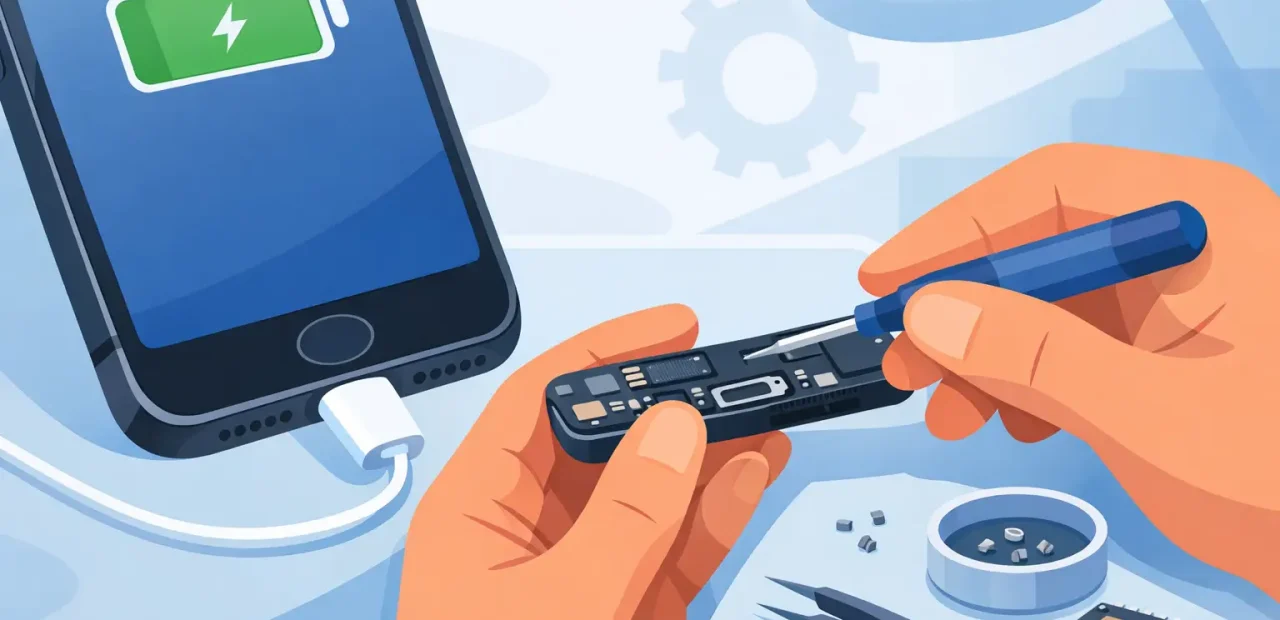
Your iPhone is at 3%, your cable keeps slipping loose, and the phone only charges if you hold it at a certain angle. That is the moment most people ask, can iPhone charging ports be repaired? In many cases, yes. The right fix may be a careful cleaning, a new charging port assembly, or a diagnosis of another part that is causing the problem.
The good news is that a charging issue does not automatically mean you need a new iPhone. A quick professional inspection can identify the cause and help you avoid spending money on the wrong solution.
Can iPhone charging ports be repaired when they stop working?
Yes, iPhone charging ports can often be repaired or replaced. The charging port is a physical component that handles constant use, so it can wear down, collect packed-in debris, or develop damage that prevents a solid connection with the cable.
On many iPhone models, the port is part of a larger internal charging assembly. Replacing it requires opening the phone, disconnecting delicate components, installing the correct part, and testing charging and data functions afterward. It is not usually a simple outside swap, which is why professional repair is the safer route when cleaning does not solve the issue.
A repair technician should first confirm that the port is actually the problem. A failing battery, damaged cable, worn power adapter, software glitch, or issue with another internal component can look a lot like a bad port. Good diagnosis saves time and prevents unnecessary repairs.
Signs your iPhone charging port may need attention
The most obvious sign is an iPhone that will not charge at all with a cable and charger that work properly on another device. But charging port problems are not always that clear. You may notice the cable feels loose, charging starts and stops, or your phone only charges in one particular position.
Slow charging can also point to a poor connection, especially if it happens with multiple known-good cables. Another clue is repeated accessory warnings or a computer that no longer recognizes your iPhone when it is connected by cable.
Do not ignore an intermittent issue just because you can still make it work. Pressing, twisting, or forcing the cable into place can turn a minor connection problem into a more involved repair. If the plug no longer slides in smoothly, stop forcing it and have the port checked.
Sometimes it is debris, not a broken port
Pocket lint is one of the most common reasons an iPhone cable will not seat fully. Over time, compacted debris can build up at the bottom of the port. The cable may appear connected, but it cannot reach the contacts correctly. That can make the connector feel loose even though the port itself is still in good shape.
This is one reason a professional inspection is worthwhile. A technician can carefully check for buildup and clean the port with appropriate tools. If cleaning restores a firm connection and reliable charging, you may not need a replacement at all.
Avoid using metal pins, paper clips, needles, or anything sharp to dig around inside the port. The contacts are small and easy to damage. Compressed air can also push debris farther in rather than remove it. A quick attempt to save a few dollars can create a repair that was not needed before.
When replacement is the better fix
Cleaning cannot fix bent, worn, or damaged charging contacts. If the port has physical damage, no longer holds a cable securely, or still fails after professional cleaning and testing, replacement is usually the practical solution.
Port replacement may also be recommended when charging is unreliable across several cables and adapters, or when the phone will charge but cannot establish a dependable data connection. The exact repair process and price depend on your iPhone model because internal layouts and parts differ from one generation to the next.
There is a trade-off to consider. On an older iPhone with several unrelated problems, you may want to compare the repair cost with the value of the phone. But if the rest of your device is working well, fixing the port is often far more affordable than replacing an iPhone you still like using.
Check these simple things before bringing it in
Before assuming the port has failed, try a cable and power adapter you know are working. Cables wear out more often than people expect, especially near the connector ends. If another cable works immediately, the port may be fine.
Next, restart your iPhone and check whether the connector fits snugly. Look into the port under good light, but do not poke at it. If you can see buildup, if the cable rocks around, or if charging remains inconsistent with multiple accessories, it is time for a proper diagnosis.
Wireless charging can be a useful clue on compatible models. If your iPhone charges wirelessly but not by cable, that makes the charging port or cable connection more likely. It still is not a final diagnosis, but it gives the technician a helpful starting point.
Why professional charging port repair is worth it
An iPhone charging port is surrounded by small, sensitive parts. Opening the device without the right tools or experience can damage connectors, seals, screws, or nearby components. DIY repair kits may look inexpensive, but the actual job takes precision and model-specific knowledge.
A professional repair also includes testing. The goal is not simply to make the battery icon appear once. Your iPhone should charge consistently, recognize a cable connection when applicable, and close back up properly. A technician can test the new part before returning your phone, so you are not left guessing whether the issue is truly resolved.
For people who need their phone for class, work, maps, messages, or family coordination, speed matters too. A local repair shop can often diagnose common charging issues quickly and complete eligible repairs the same day. That is a lot easier than spending days trying different cables while your battery percentage keeps dropping.
How to help your repaired port last longer
Once your charging port is working again, a few habits can reduce strain. Pull the cable out by the connector instead of yanking the cord. Do not use a cable with a bent or damaged tip, and avoid charging with the phone resting in a position that sharply bends the cable at the port.
Keeping your phone out of lint-heavy pockets or bags helps as well. You do not need to obsess over it, but checking the port when a cable starts feeling loose can catch buildup before it becomes a daily charging problem.
If you are near TCU or elsewhere in Fort Worth and your iPhone will only charge at an angle, do not wait for it to quit completely. Fort Worth iPhone Repairs can inspect the issue, explain whether cleaning or replacement makes sense, and get you back to reliable charging without the long wait.
A charging port problem is frustrating because it interrupts everything at once. The useful next step is simple: bring in the phone while it can still be tested properly, and let a technician determine the smallest repair that gets your iPhone back to doing its job.