
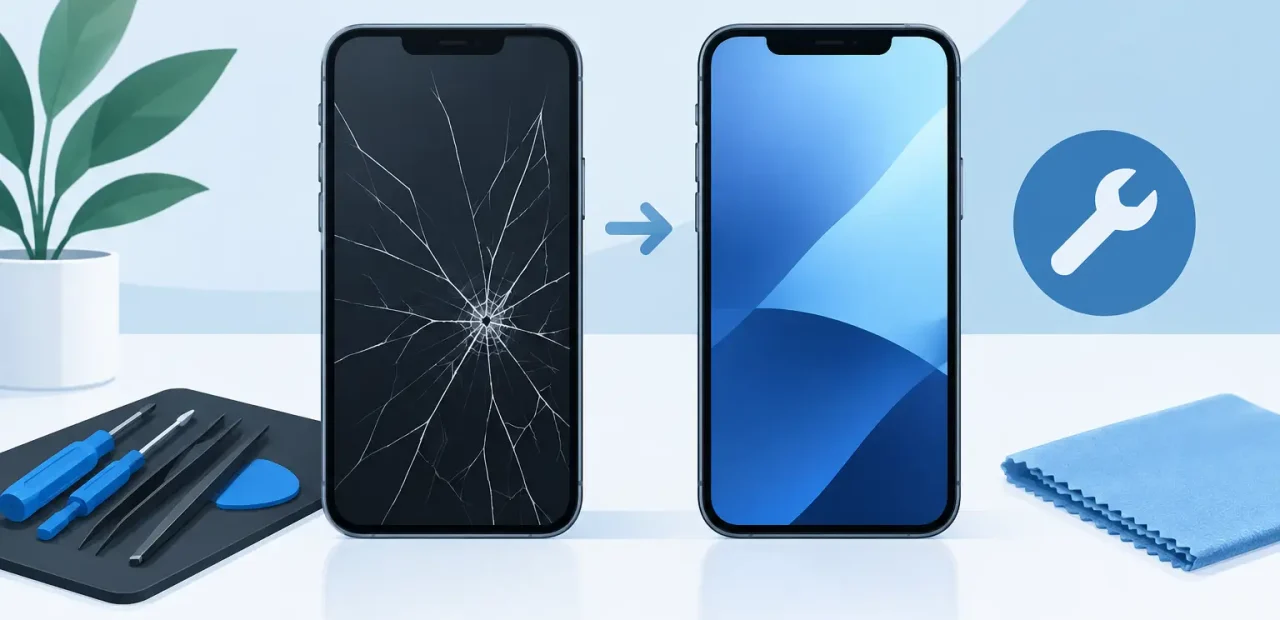
That sharp crack across your display is more than an annoyance when you need your phone for class, work, directions, payments, and staying in touch. So, can iPhone screens be repaired? In most cases, yes. A professional can replace the damaged screen and restore the clear display and responsive touch you depend on, often the same day.
The right repair depends on what is actually damaged. Some iPhones have a simple cracked outer glass but still show a normal picture. Others have black spots, colored lines, flickering, or touch areas that no longer respond. Those signs usually mean the full screen assembly needs attention, not just the glass on top.
Can iPhone Screens Be Repaired After a Crack?
A cracked iPhone screen is one of the most repairable phone problems. Modern iPhone displays are built as layered assemblies, with protective glass, touch sensors, and the display panel working together. Although the visible damage may look minor, these parts are closely connected. For a reliable result, a technician typically replaces the complete screen assembly rather than trying to patch one cracked section.
That approach gives you a fresh, smooth surface and helps restore accurate touch response and picture quality. It is generally a much better option than covering cracks with tape or continuing to use a screen that sheds small pieces of glass.
Fast action can also keep a manageable repair from becoming a bigger hassle. A crack can spread after another bump, especially near the corners and edges. Once the display starts showing lines or dark areas, waiting rarely improves the situation.
Signs Your Screen Needs More Than a Cosmetic Fix
Not every cracked screen behaves the same way. If your iPhone still turns on, the display is bright and clear, and every area responds to touch, you may only be dealing with surface damage. It is still worth repairing soon, but the phone may remain usable until you can stop by.
A replacement should move higher on your priority list if you see a dark blotch spreading under the glass, vertical or horizontal lines, flashing, a display that stays black, or areas that will not register taps and swipes. Random touches, sometimes called ghost touching, are another common clue that screen components have been affected.
If Face ID, the front camera, speaker, or proximity sensor is acting differently after the drop, tell the technician before the repair begins. These components sit near the display and should be checked as part of a proper diagnosis. An experienced iPhone specialist will inspect the phone, explain what is needed, and let you know if another issue is involved before starting work.
Why Screen Repair Beats Living With the Damage
A cracked display can make ordinary tasks frustrating. Typing a paper, answering a customer, ordering a ride, or checking a campus map becomes harder when part of the screen is difficult to see or touch. Small cracks also collect fingerprints and dirt, making the display look worse than it did on day one.
Repair is often the practical choice for cost-conscious iPhone owners. Replacing a phone means paying for a new device, moving your information, setting everything back up, and hoping your old device still has enough value for a worthwhile trade-in. A screen repair focuses on the part that is broken and gets you back to your normal routine without the expense and interruption of a full replacement.
For students near TCU, that speed matters. A phone is often a student ID backup, alarm, map, payment method, camera, and connection to classmates all at once. For working adults and families, it may be just as central to the day. A repair that happens while you wait can be far easier than arranging days without your phone.
What Determines the Cost of an iPhone Screen Repair?
The model of your iPhone is the biggest factor. Newer models tend to use more advanced OLED displays, while some older models use LCD screens. OLED panels generally cost more to replace because of their deeper contrast, brightness, and display technology. Larger Pro and Pro Max screens can also cost more than standard-size models.
The condition of the phone matters, too. A display-only issue is usually straightforward. If the drop also damaged the frame, bent the housing, affected the camera area, or created charging and button problems, the repair may need more time and a different plan.
Part quality matters as much as price. The cheapest option is not always the best value if the replacement has poor brightness, inaccurate colors, weak touch sensitivity, or does not fit correctly. Ask what kind of screen will be used and whether the shop stands behind its work. Clear answers are a good sign that you are dealing with a repair business that values the result, not just the transaction.
What Happens During a Professional Screen Repair?
A quality screen replacement is usually quick, but it is not a shortcut. The technician starts by confirming the model and testing the display, touch function, cameras, speakers, buttons, charging, and sensors. This helps separate screen damage from other issues that may have happened at the same time.
Next, the damaged display is carefully removed and the phone is prepared for the new screen. The replacement is installed, secured, and tested again before the phone is returned. A good technician checks the full display for brightness and color, tests touch across the screen, and verifies that key features are working as expected.
At Fort Worth iPhone Repairs, many cracked screen repairs are completed in as little as 15 minutes while you wait, depending on the iPhone model and the extent of the damage. Walk-in service is especially useful when you need answers now, not a long appointment window or a multi-day turnaround.
Should You Repair the Screen Yourself?
DIY repair kits can look tempting, particularly when a crack seems small. The trade-off is risk. iPhone screens use delicate cables, tightly fitted parts, and components near the front sensor system. One wrong move can turn a screen replacement into a more involved repair.
You also have to judge the quality of a replacement part before buying it, which is difficult from a product listing alone. A low-quality screen may technically turn on but still leave you with dim brightness, lagging touch, or a display that does not look right. There is also the time factor. What looks like a quick project can take far longer if tools are missing or a step does not go as planned.
For most people, professional repair is the simpler route. You get a diagnosis, proper installation, and a chance to inspect the finished result before you leave. That is particularly valuable when your iPhone is too essential to risk being out of service.
How to Handle Your iPhone Before You Bring It In
If the screen is still responsive, back up your iPhone before any repair. A backup is always a smart habit, even when the issue appears limited to the display. If you have a screen protector over the cracks, leave it in place until the technician sees the phone. It can help hold loose glass together during the trip.
Avoid pressing hard on damaged areas or trying to pry away broken glass. If you cannot use the screen, do not assume the phone is beyond repair. Bring it in for an inspection. The display may be the only issue, and a quick replacement could bring it right back.
A repaired iPhone screen should feel like a relief, not another project on your to-do list. Get a clear diagnosis, choose quality work, and get back to using your phone without planning your day around a cracked display.