
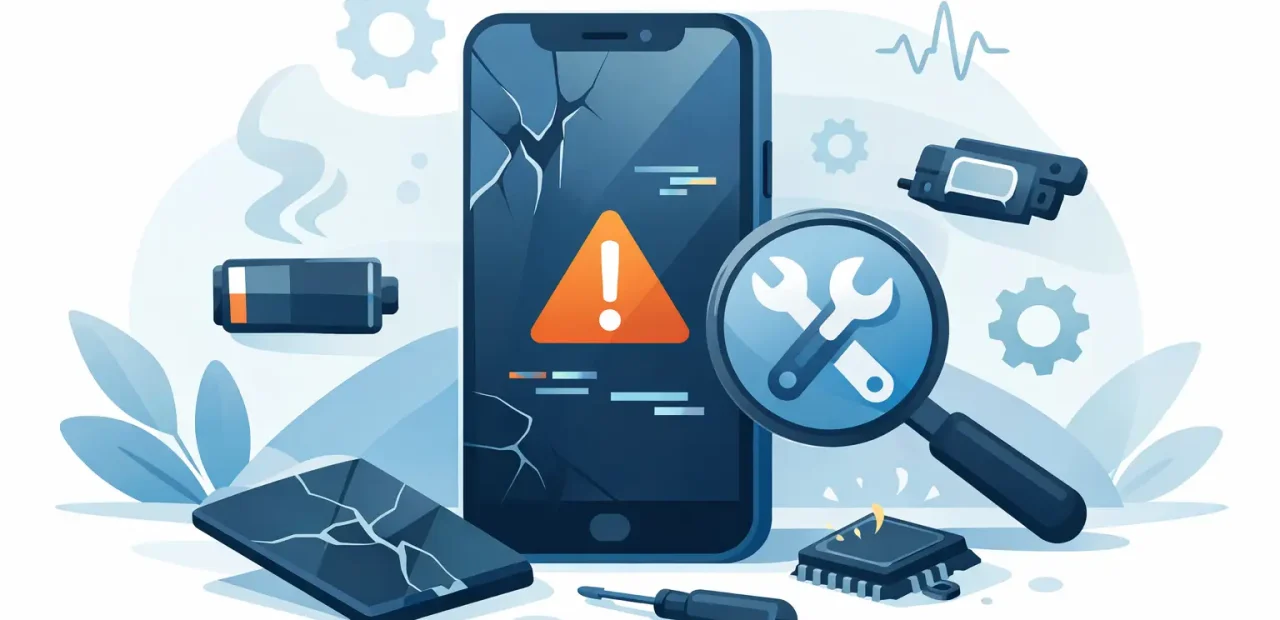
A small iPhone problem can turn into a major interruption fast. A screen crack spreads across the display, a battery that barely lasts through class leaves you stranded, or a charging issue makes a busy workday harder than it needs to be. Knowing the top signs your iPhone needs repair helps you act before a minor fault costs more time, money, and frustration.
You do not need to diagnose the problem yourself. You only need to notice when your phone is no longer working the way it should. Here are the issues that deserve prompt attention and what they usually mean for your iPhone.
Top Signs Your iPhone Needs Repair Now
Your screen is cracked, flickering, or no longer responds correctly
A cracked screen is the clearest reason to get an iPhone repaired, but it is not only a cosmetic issue. Even a thin crack can spread after one more bump in a backpack, pocket, or car console. Once the damage reaches the edges, the display may start flickering, showing lines, or developing dark spots.
Touch problems are another sign that screen damage has gone beyond the glass. If you have to tap an app twice, parts of the keyboard stop responding, or the phone opens things you did not touch, the display assembly may need service. Continuing to use it can make simple tasks like sending a message, using maps, or checking in for a flight unnecessarily difficult.
If the display is still bright and touch works normally, a repair may be straightforward. If the image is distorted or touch is unreliable, do not wait for it to get worse. A quick screen repair can restore both the appearance and everyday usability of your phone.
Your battery drains much faster than it used to
Every iPhone battery wears down over time. The concern is not that you need to charge your phone nightly. The concern is when a full charge falls sharply during normal use, the phone shuts down with battery remaining, or it cannot make it through a few hours away from an outlet.
Check Battery Health in your iPhone settings for a useful starting point. A lower maximum capacity can point to normal battery aging, but the real test is how the phone performs for you. If you are carrying a charger everywhere, missing important calls, or turning on Low Power Mode before lunch, a battery replacement may be the practical fix.
There is a trade-off here. Heavy gaming, video streaming, navigation, and poor signal areas can drain even a healthy battery quickly. But when the pattern continues during ordinary use, it is worth having the battery checked. Replacing a tired battery is often much more affordable than replacing an otherwise reliable iPhone.
Your iPhone charges only at a certain angle
A charging cable should connect securely and start charging without a struggle. If you need to wiggle the cable, hold it in place, or position your phone just right on a desk, do not assume the cable is always the problem. The charging port may be blocked by compacted pocket debris, worn from use, or damaged internally.
Try a known-good cable and power adapter first. If the issue remains, stop forcing the connection. Repeated pressure can make a small charging-port issue worse. You may also notice that your phone connects and disconnects from power repeatedly, charges unusually slowly, or does not connect to a computer.
A technician can inspect the port and determine whether it needs careful cleaning or a repair. That matters because the right solution depends on the actual cause. Paying for a part you do not need is frustrating, and so is replacing cables when the phone itself is the issue.
Your camera is blurry, shaky, or will not focus
Your iPhone camera is easy to take for granted until it cannot scan a document, capture a class whiteboard, join a video call, or get a clear family photo. Blurry images can sometimes be caused by a smudged lens, so clean the outside gently with a soft microfiber cloth first. If photos are still hazy, the lens may be scratched or the camera may have an internal problem.
Focus failures are especially noticeable when the camera shifts in and out without locking onto the subject. Other warning signs include a black camera preview, visible spots that stay in every photo, a camera that shakes, or an app that closes whenever you try to use the camera.
Restarting the phone and checking for an iOS update can rule out a temporary software issue. If the problem persists in multiple camera apps, repair is the sensible next step. Camera issues rarely become less annoying when you need the feature most.
Calls sound muffled or people cannot hear you
Audio problems create confusion because the symptoms can vary. You may hear callers poorly through the earpiece, people may say your voice sounds faint, or videos may play with little to no sound. Your iPhone may also keep acting as if headphones are connected when they are not.
Start by checking the volume level, turning off Bluetooth, and testing sound in more than one app. If calls, voice recordings, music, and speakerphone all behave differently, the issue may involve a specific speaker, microphone, or audio component rather than a simple setting.
Do not put off an audio repair if you rely on your phone for work, school, rides, or family communication. A phone that cannot clearly send or receive sound is not fully dependable, even if everything else appears to work.
Buttons stop clicking or work only sometimes
The side button, volume buttons, and mute switch are small parts that handle a lot of daily use. A button that feels stuck, loose, unusually stiff, or inconsistent deserves attention before it stops working completely. You may be able to use on-screen controls as a temporary workaround, but that does not solve the underlying issue.
A failing side button can make it harder to lock the screen, take screenshots, restart the phone, or use emergency features. Volume buttons matter more than many people realize when they need to silence a meeting, adjust audio quickly, or manage an incoming call.
The good news is that a button issue does not automatically mean you need a new phone. It may be a focused repair, especially when the iPhone is otherwise in good shape.
When a Repair Is Smarter Than Replacement
A repair is often the better choice when one core feature has failed but your iPhone still meets your needs. If the screen, battery, camera, charging port, or buttons are the only problem, restoring that part can extend the life of a phone you already know and use every day.
Replacement may make more sense if several major components are failing, the phone is no longer getting the software support you need, or the cost of multiple repairs approaches the value of an upgrade. It depends on the model, the condition of the phone, and what matters most to you. A clear diagnosis gives you the information to make that call without guessing.
Do Not Let a Small Issue Disrupt Your Day
The best time to repair an iPhone is usually before it becomes an emergency. A screen crack is easier to address before touch fails. A weak battery is less stressful to replace before it dies during a long day. A charging issue is simpler to handle before your phone will not power up at all.
For Fort Worth customers who need answers quickly, Fort Worth iPhone Repairs offers walk-in service for common iPhone problems, with many repairs completed the same day and some while you wait. Bring in the phone, explain what has changed, and get a straightforward assessment of what it needs. Your iPhone handles too much of your daily life to keep working around a problem that can be fixed.