
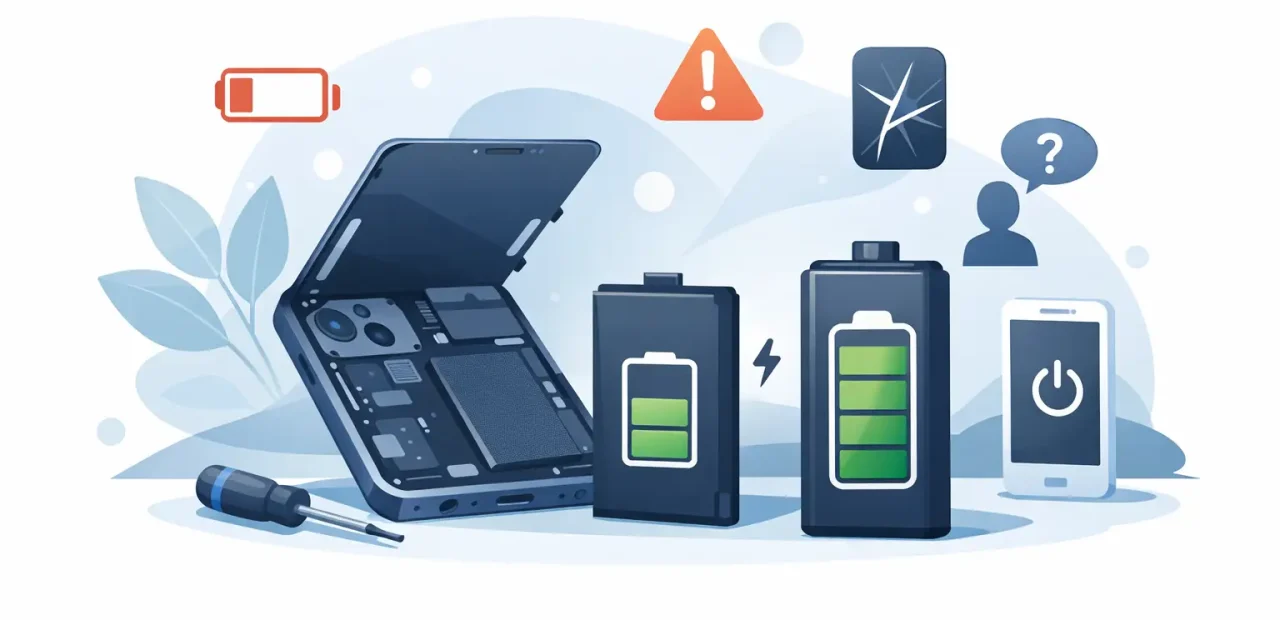
Your iPhone used to last through classes, work, errands, and a night out. Now it hits 20% before lunch, slows down when you need it most, or shuts off with battery left on the screen. So, is it worth replacing iPhone battery instead of putting up with it or buying another phone?
For many people, yes. A battery replacement can give an otherwise reliable iPhone a major second life for far less than the cost of a new device. But it is not the right answer for every phone. The key is figuring out whether the battery is the real problem and whether the rest of your iPhone is still worth keeping.
Is It Worth Replacing iPhone Battery Instead of Buying New?
If your iPhone is in good shape, has a working screen and camera, and still runs the apps you need, replacing the battery is usually the practical move. Batteries are wear items. They are designed to age over time, while much of the phone can remain useful for years.
A new battery can improve daily battery life, reduce unexpected shutdowns, and help your phone feel more dependable. That matters when your iPhone handles your class schedule, work messages, maps, banking, ride apps, family calls, and everything else in between.
Replacing the battery makes less sense when several expensive issues are piling up at once. If the screen is badly damaged, the charging port is unreliable, the camera has failed, and the phone is already too old for the software or storage you need, putting money into a replacement device may be smarter. One clear repair is often a good value. Multiple major repairs deserve an honest cost comparison.
6 Signs Your iPhone Battery Needs Replacement
1. Your battery percentage falls much faster than it used to
A noticeable drop in battery life is the most common warning sign. If you used to get through a full day and now need to charge two or three times, battery wear may be the cause. Streaming video, navigation, gaming, and weak cell service all use extra power, but a healthy battery should not suddenly struggle with normal use.
Check Battery Health in your iPhone settings under Battery, then Battery Health & Charging. Maximum Capacity gives you a useful starting point. A reading around 80% or lower often means the battery has lost enough capacity to affect everyday use.
2. Your iPhone shuts down before it reaches 0%
An iPhone that turns off at 20%, 30%, or even higher is not behaving normally. An aging battery can have trouble delivering power during a demanding task, such as taking photos, using GPS, or making a call. The percentage may still show remaining charge, but the battery cannot reliably support the phone.
This is especially frustrating when you are away from an outlet. It is also a strong reason to have the phone checked rather than guessing at the cause.
3. The phone feels slower during everyday tasks
Older batteries can contribute to performance issues. You may notice apps taking longer to open, lag while switching between screens, or a phone that feels less responsive when the battery is low. Not every slow iPhone needs a battery, of course. Storage that is nearly full, outdated software, or a damaged device can also affect performance.
Still, if slowdowns happen alongside poor battery life and shutdowns, a battery replacement may make a meaningful difference.
4. Your iPhone gets unusually hot while charging or using basic apps
Some warmth is normal during charging, video calls, navigation, or heavy use. Excessive heat is different. If your iPhone becomes too hot to comfortably hold during simple tasks, stop using it for a moment and pay attention to when it happens.
Heat can speed up battery wear and may point to a battery, charging, or software issue. A repair professional can help identify the real source before you spend money on the wrong fix.
5. The battery is swollen or the screen is lifting
This one should not wait. A swollen battery may push against the display, creating a gap between the screen and frame or making the screen lift at the edges. Do not press the screen back down, puncture the phone, or continue charging it.
Power the iPhone off if you can and bring it in for service. A swollen battery is a safety concern, not just a battery-life inconvenience.
6. You are always looking for an outlet or carrying a charger
Needing a charge every now and then is normal. Planning your entire day around power outlets is not. If you keep a cable in your car, backpack, desk, and bedside because your iPhone cannot make it through a few hours, the battery may be costing you more convenience than you realize.
A fast replacement can be a better fix than buying more charging accessories or relying on a power bank everywhere you go.
What a New iPhone Battery Can and Cannot Fix
A battery replacement addresses power-related wear. It can restore usable battery life, reduce random shutdowns, and help a phone perform more consistently when the old battery is the issue. For an iPhone that is otherwise in solid condition, that is a big improvement.
It will not repair a cracked screen, water damage, a failing camera, a broken charging port, poor cellular service, or software bugs. It also cannot add storage or make an older model support features it was never built to handle.
That distinction matters because battery symptoms can sometimes look like another problem. For example, a phone that only charges when the cable is held at an angle may have a charging port issue, not a failing battery. A phone that drains quickly because it constantly searches for service may have a signal or settings problem. A quick diagnosis helps you avoid paying for a repair that does not solve the problem.
Battery Replacement vs. New iPhone: Make the Cost Comparison
The price gap between a battery replacement and a new iPhone is usually significant. If your current phone still has the storage, camera quality, and speed you need, replacing the battery can delay a much larger purchase. It is a practical choice for students, families, and anyone who would rather keep a reliable device working than replace it early.
Think about how you use your phone. An iPhone that is a few generations old may still be a great candidate if it runs current apps, receives software updates, and has no major damage. On the other hand, upgrading may be worthwhile if you need substantially better camera performance, more storage, newer connectivity, or features your current model cannot support.
There is also the question of condition. A phone with minor cosmetic wear but no functional issues is very different from one with a cracked screen, intermittent charging, and water exposure. Be realistic about the total repair picture. A trustworthy shop should explain what is needed now, what can wait, and when replacement makes more financial sense.
How Long Does an iPhone Battery Replacement Take?
For a common iPhone battery issue, you should not have to be without your phone for days. At Fort Worth iPhone Repairs, many battery replacements can be handled the same day, often while you wait, depending on the model and part availability. That is helpful when your phone is your alarm, wallet, school tool, work line, and connection to everyone who needs you.
Before service, back up your iPhone if possible. Although a battery replacement should not erase your data, keeping a current backup is simply good phone ownership. You should also be ready to share the symptoms you have noticed, such as shutdown percentages, overheating, charging behavior, or how long the battery lasts. Those details make diagnosis faster and more accurate.
Get More Life From Your New Battery
A replacement battery will still age, but your charging habits can help it last longer. Avoid leaving the phone in a hot car, use quality charging equipment, and update iOS when appropriate. If your iPhone offers Optimized Battery Charging, keeping it enabled can help reduce unnecessary time at a full charge.
You do not need to obsess over every percentage point. Modern iPhones are built for daily use. The goal is simple: avoid extreme heat, avoid damaged cables or chargers, and do not ignore warning signs when your phone begins acting differently.
If your iPhone still does what you need but cannot hold a charge, a battery replacement is often the sensible, affordable reset. Bring it in before a dying battery turns a normal day into a missed call, a dead map, or a phone that quits when you need it most.