
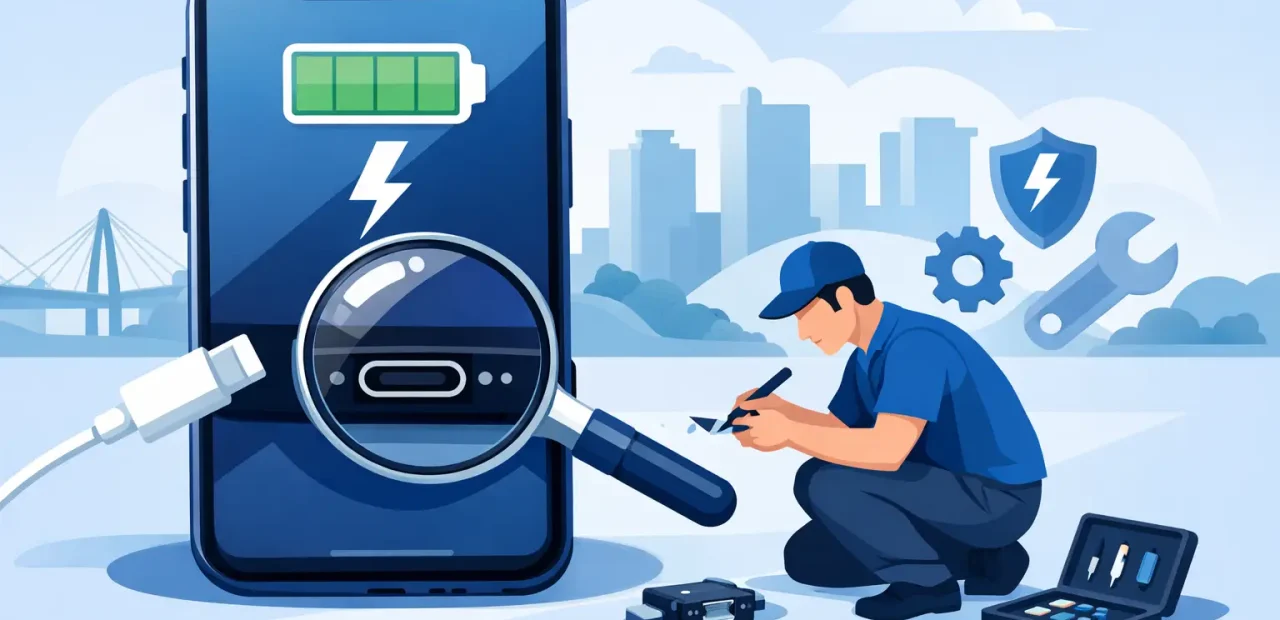
Your iPhone is at 3%, your cable is plugged in, and nothing happens. Or it charges only when the cord is bent at a certain angle. A search for iPhone charging port repair Fort Worth usually means you need an answer quickly, not a lecture. The good news is that many charging problems have a clear cause, and a professional repair may be much faster and more affordable than replacing the phone.
What a Charging Port Problem Looks Like
A bad charging port does not always mean the port itself has failed. The symptoms can look similar whether the issue is packed-in debris, a worn cable, software behavior, battery trouble, or internal damage. A quick diagnosis is the difference between paying for the right repair and guessing.
Common signs include a cable that feels loose, charging that starts and stops, no charging response at all, a phone that charges unusually slowly, or a connector that must be held in one position. If your iPhone charges wirelessly but not through a cable, that is another strong clue that the Lightning port needs attention.
Do not ignore a port that feels hot, smells burnt, has visible discoloration, or was exposed to water. Stop charging it and have it checked. Continuing to force power through a damaged connector can turn a straightforward repair into a bigger problem.
Before You Schedule iPhone Charging Port Repair in Fort Worth
There are a few safe checks worth trying at home before bringing your phone in. Start with a different Apple-certified or high-quality cable and a different wall adapter. Charging accessories wear out more often than people realize, especially when cables live in backpacks, cars, and crowded outlets.
Next, look into the port under good light. Lint from pockets and bags can become tightly packed at the bottom of the connector. When that happens, the cable may appear plugged in but cannot reach the contacts correctly. A port full of lint is one of the most common reasons an iPhone suddenly stops charging reliably.
You can carefully remove loose debris with a dry, nonmetal tool, but do not use a pin, paper clip, knife, liquid cleaner, or compressed air at close range. Metal can damage delicate contacts, and moisture can create a more serious issue. If the debris is packed in or you are not sure what you are seeing, let a technician handle it.
A restart can also help if charging behavior seems inconsistent after an iOS update or app crash. But if the phone still does not recognize known-good charging equipment, the problem is likely physical and deserves a proper inspection.
Why iPhone Charging Ports Stop Working
Your charging port gets used more than almost any other part of your iPhone. Plugging in at night, using the phone while charging, tossing it into a bag, and connecting it in the car all create wear over time. The port is small, but it handles constant pressure.
Debris is the simplest cause. Dust and lint collect at the bottom of the port and prevent a solid connection. This can often be resolved with careful professional cleaning, which may be all your iPhone needs.
Wear and physical damage are different. Repeatedly pulling on the cable, using damaged connectors, or forcing a cable into a blocked port can affect the internal contacts or charging assembly. A drop can also damage the connection even if the outside of the phone looks fine.
Liquid exposure is another concern. Your iPhone may have some water resistance, depending on the model and its condition, but water resistance is not permanent protection. Age, drops, screen damage, and worn seals can all reduce it. Corrosion inside the port may not appear immediately, so a phone that charged after getting wet can still develop problems days later.
Finally, some apparent port issues are actually battery or power-management issues. If a cable fits firmly and the phone recognizes it but the battery percentage barely moves, a technician should check the full charging system before replacing a part that may not be the real culprit.
What Happens During a Professional Repair
A good repair begins with diagnosis, not assumptions. The technician checks the cable connection, examines the port for debris or damage, tests charging response, and looks for signs of moisture or other internal trouble. That clear first step matters because cleaning a clogged port, repairing a damaged port, and replacing a failing battery are different services.
If the port only needs cleaning, the visit can be very quick. If the charging assembly is damaged, the phone may need a charging port repair using quality replacement parts and careful installation. The exact time depends on the iPhone model, the condition of the device, and whether there is corrosion or additional damage.
At Fort Worth iPhone Repairs, the goal is simple: give you a straight answer, explain the repair before work begins, and get your phone back in your hands as quickly as possible. Many common iPhone issues can be handled the same day, and walk-in service is especially helpful when you cannot afford to be without your phone for long.
Repair or Replace? The Practical Choice
Replacing an iPhone because it will not charge can be expensive, particularly if the phone is otherwise working well. For many people, a charging port repair is the more practical option. You keep your photos, apps, settings, and familiar device without taking on the cost of a new phone.
Still, repair is not automatically the right answer in every situation. If an older iPhone has severe water damage, a failing battery, major screen damage, and charging trouble at the same time, it makes sense to compare the total repair cost with the value of the phone. A trustworthy technician should be honest about that trade-off.
If the issue is limited to the port or a buildup of debris, repair is often a fast way to get more life from a phone you already depend on. For TCU students, busy parents, commuters, and professionals, avoiding a long replacement process can be reason enough to repair first.
How to Protect Your Charging Port After the Fix
Once your iPhone is charging normally again, a few habits can help prevent a repeat problem. Use a cable that fits snugly and replace it if the connector is bent, loose, frayed, or unreliable. Avoid charging while the cable is sharply pulled to the side, such as when the phone is wedged against furniture or used heavily in a car mount.
Keep the phone out of loose lint when possible. A pocket is convenient, but it is also where most charging-port debris begins. If you carry your iPhone in a bag, avoid leaving it next to loose crumbs, makeup powder, or anything that can get pushed into the port.
Be careful around moisture as well. If the phone gets wet, disconnect accessories, dry the exterior, and let it air out. Do not try to speed up drying with heat, and do not plug it in until you are confident the port is dry. Charging a wet port can cause damage that a little patience might have avoided.
When to Bring It In Right Away
Do not wait if your iPhone only charges intermittently, shuts down when connected to power, gets hot near the bottom edge, or shows a liquid detection warning that does not clear after adequate drying. Those symptoms can point to more than ordinary lint.
You should also bring it in when you have already tried another cable and adapter with no change. Repeatedly jiggling the cable or pushing it harder is not a solution. It can damage the connector further and make a repair more complicated.
A charging issue should not control your day. If your cable will not stay connected or your battery is falling faster than it can recharge, getting a quick professional diagnosis can save time, prevent extra damage, and get your iPhone back to doing the work you need it to do.