
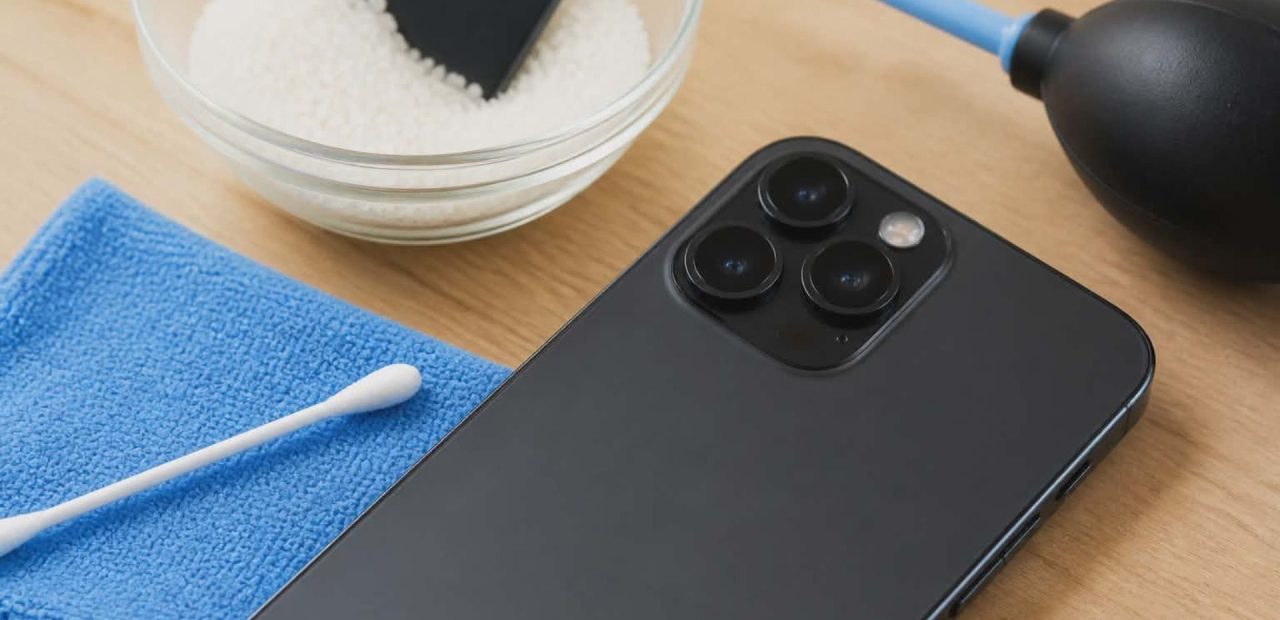
You go to take a photo, and something looks off. The image is hazy, soft, or just plain blurry – and it’s not due to shaky hands. If your iPhone camera lens has a foggy appearance, moisture is almost certainly the culprit. The good news? This is a fixable problem once you understand what is actually going on inside your device.
Why Does the iPhone Camera Get Foggy?
Fog behind the camera lens happens when condensation forms inside the iPhone. This typically occurs when your phone moves between very different temperature environments – like walking from an air-conditioned room out into the humid Fort Worth summer heat. That shift in temperature causes moisture from the surrounding air to collect on the lens and internal components.
It can also happen if your phone gets caught in the rain, sits near a pool, or is accidentally exposed to steam. Even the moisture from your hands can play a role over time if there are any small gaps in the seals around the camera.
Does Water Resistance Mean Your iPhone Is Safe?
Many iPhone models – including the iPhone XR and newer – come with an IP code rating that gives them some degree of water resistance. But waterproofing is not permanent. The seals and adhesives that protect your device can degrade over time, especially after a drop or a screw coming loose during a previous repair. Once that protective barrier weakens, moisture can get inside the device far more easily than you would expect.
If you notice iPhone screen flickering caused by water damage alongside the foggy camera, that’s a sign the issue may be more widespread inside the phone.
Steps to Take When Your iPhone Camera Is Foggy
Before you panic or rush to contact Apple support, there are a few safe, practical steps to take at home.
- Move your iPhone to a dry, room-temperature environment. If you have just come in from humid conditions or the cold, let the phone sit and gradually adjust to room temperature. Do not blow hot air on it or use a hair dryer – heat can actually make things worse and may damage internal components.
- Use silica gel packets. Place your iPhone in a sealed container with several silica gel packets and leave it overnight. Silica gel is designed to absorb moisture from the surrounding air, and this method is significantly more effective than using rice. Rice does not actually pull moisture efficiently and can leave debris in the port or speaker grills.
- Wipe the external lens gently. If there is any visible fog or smudge on the outer camera lens, use a clean cotton swab or soft cloth to remove it. Do not use anything abrasive that could scratch the lens.
- Wait 24-48 hours. Sometimes the fog clears on its own once the condensation evaporates. If you can avoid exposing the phone to more humidity during this period, give it time to dry out naturally.
When Home Fixes Are Not Enough
If the fog does not clear after trying these steps, or if you suspect the moisture has reached the internal components, do not keep using the camera, hoping it will resolve itself. Continued use with trapped moisture can lead to permanent damage – corroding the lens filter, the camera module, or other parts of the board.
This is also a good time to look for other common signs your iPhone needs repair, such as discoloration in the display, unresponsive buttons, or issues with charging.
Should You Seek Professional Repair?
If the camera is still foggy after a day or two, or if you notice the photo quality has gotten worse rather than better, it is time to get a professional diagnostic. A technician can properly open the phone, remove the excess moisture, inspect the camera lens and seal, and replace any damaged components – without compromising the rest of the phone in the process.
For anyone in Fort Worth dealing with this issue, professional iPhone camera repair is available with fast turnaround and honest pricing. Walk-ins are welcome, and most camera repairs are completed the same day.
If you have more questions before coming in, check out the iPhone repair FAQ and service questions page for straightforward answers.
Conclusion
A foggy iPhone camera is frustrating, but it is rarely a reason to replace your entire phone. Start with the basics – dry environment, silica gel packets, and a little patience. If moisture has already caused more serious damage, a skilled repair technician can diagnose the problem and get your camera back to working properly. Do not let a fixable issue turn into a bigger one. Reach out to Fort Worth iPhone Repairs at 817-999-3802 and get it sorted out fast.